
Getting Started
StarCards is a daily journaling and task app built around one idea: each day gets its own card. Sign up, open today's card, spend a few minutes throughout the day filling it in, and come back tomorrow. That's the whole loop — a simple habit that helps you be intentional about how you spend your time.
Quick Start
-
Create your account. Go to starcards.app and sign up — your Daily Card for today is already waiting.
-
Open today's Daily Card. From the Dashboard, tap the card link or "Generate Today's Card" — your card is pre-created and ready to fill in.
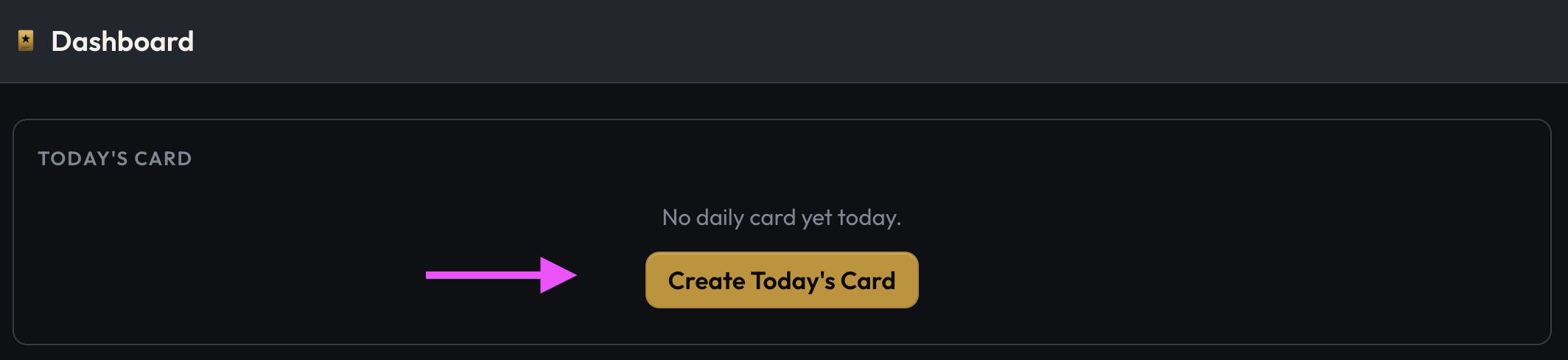
-
Fill in your card using the prompts. You can use the StarCards default template, or create your own journal template to structure your daily journal just the way you want it. To create your own journal template (called a Card Starter), navigate to your profile, click on the Card Types tab, and find the Card Starter template to fill in.
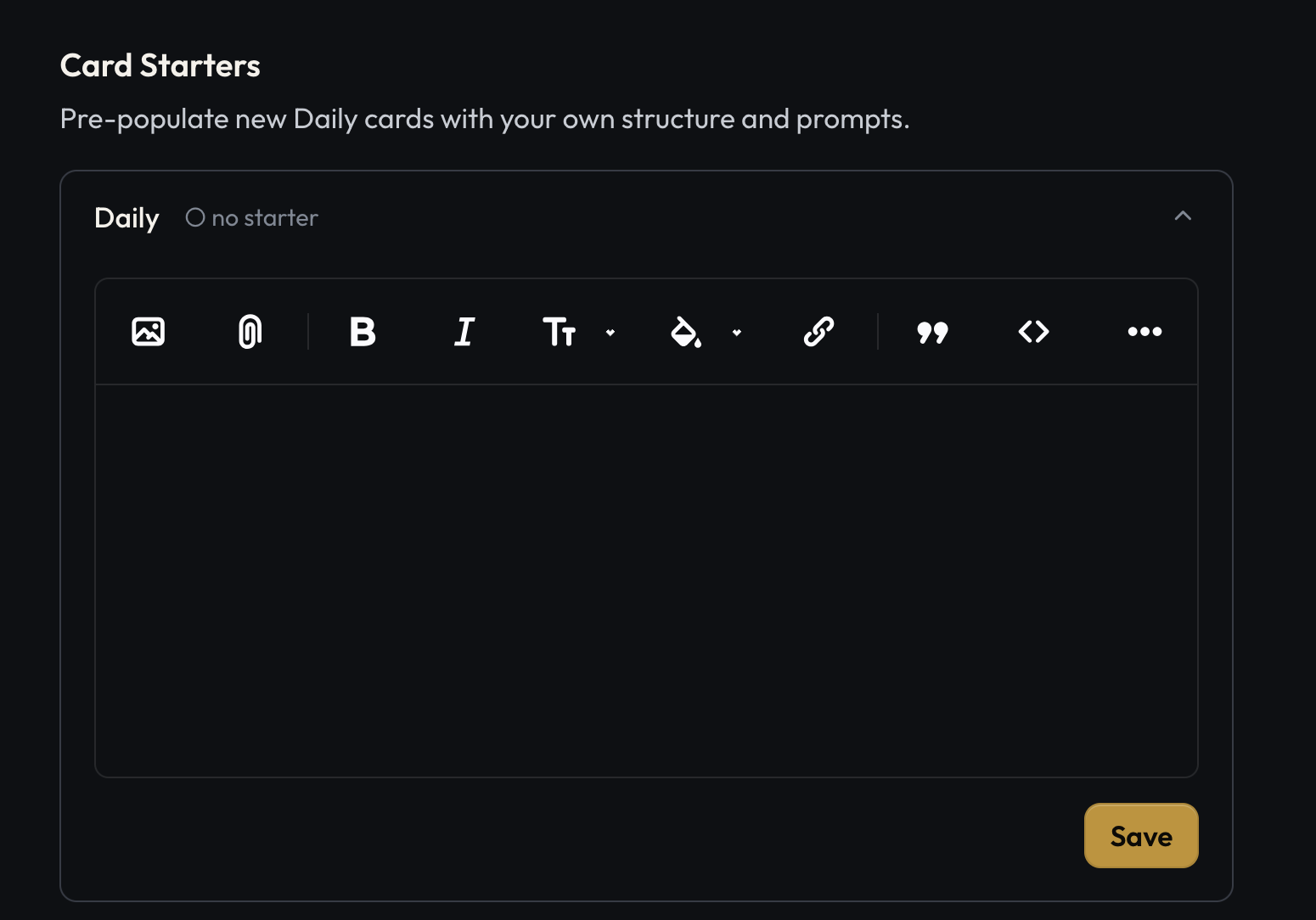
-
Collect Other Cards Daily Cards are not the only type of card you can create/collect. See Cards for more details about the types of cards you can collect.
-
Add and complete daily tasks to earn StarKicks kicks. Each completed task on your Daily Card earns one kick (max 5/day) in the StarKicks game, plus one startoken to spend on gear. Go to StarKicks from the "Starbase" drop down menu, or press g.
Tip: Press b to quickly access the "Starbase" menu on a desktop computer, or ? anywhere in the app to see the full keyboard shortcuts reference.
What's Next
- Active Daily — how the daily card works day to day
- Cards — the five CARDS star points explained
- Tasks — creating, prioritizing, and completing tasks
- StarKicks — the daily game powered by your completed tasks
- Stats — your long-term progress and milestones